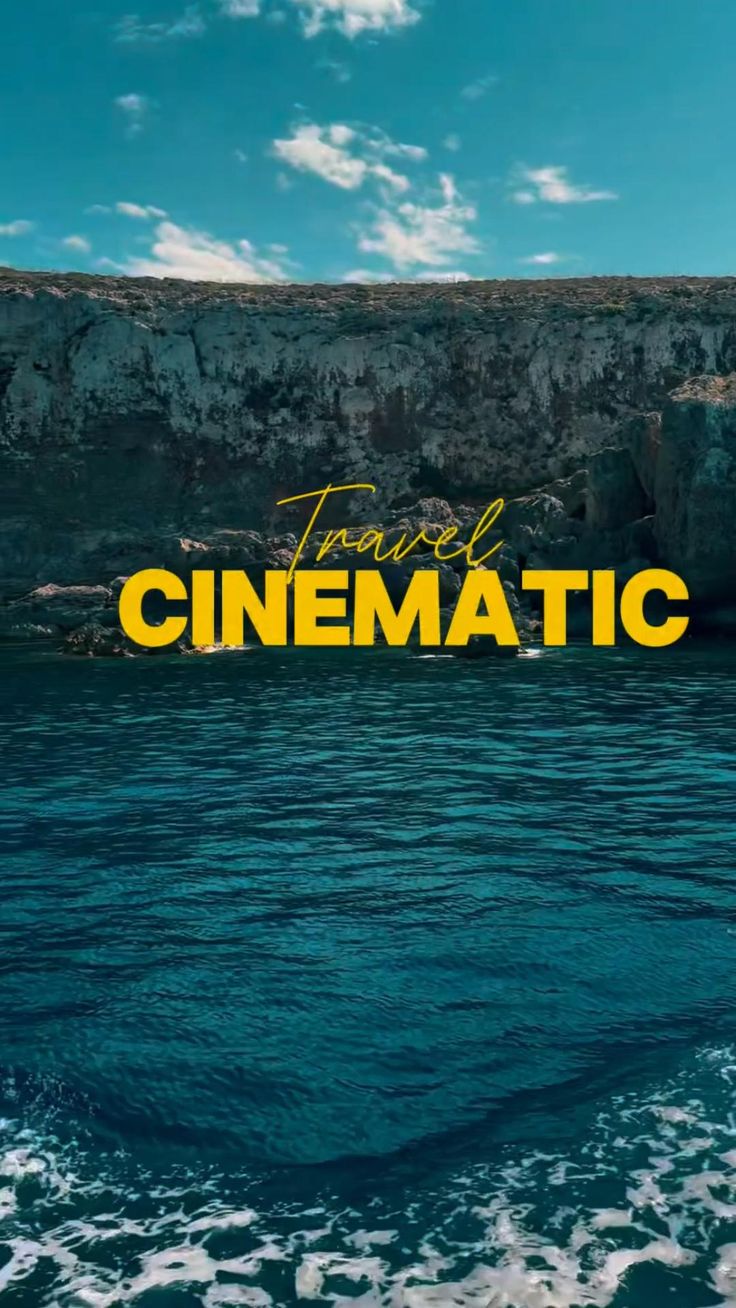
Cinematic Travel Edits
High mood grading, smooth transitions, story-based montage.
— ABOUT ME
I help creators and brands turn raw footage into cinematic, engaging and scroll-stopping content.
Editing sirf cut karna nahi hota — Editing is about story, emotions, rhythm, and retention. Mera goal: aapke videos ko professional look + high watch time dena.
— FEATURED
From basic cuts to advanced motion — everything in one place.
— MY SKILLSET
Aapko smooth editing chahiye ya fast-paced reels? Main dono handle karta hu. Mera workflow speed + quality ke liye optimized hai.
“Viewer ko 3 seconds me interest nahi aaya — toh video skip ho jayegi.”
— Golden Rule of RetentionFast cuts, hook, beat sync, captions, trend style edits.
Perfect for: Instagram Reels, YouTube ShortsRetention edits, zooms, meme inserts, pacing, storytelling.
Perfect for: Vlogs, Tech, Podcasts, TutorialsRaw footage to cinematic look: tone, mood, LUTs, film vibes.
Perfect for: Travel videos, b-roll, montagesText animation, lower thirds, intro/outro, subtle VFX.
Perfect for: Branding, professional videos— MY PROCESS
Pro editors ka workflow follow karo — quality + speed dono increase hoga.
Raw clips ko clean aur best shots select karta hu. Shaky & boring parts remove.
Sequence set karta hu jisse flow boring na ho. Intro hook strong rakhta hu.
Audio clean, background music balanced, beat sync for professional feel.
Minimal but premium transitions + motion blur feel. Overuse nahi karta.
Exposure + skin tone correct, then cinematic look (mood) apply karta hu.
Shorts/reels ke liye retention captions. Clean typography, readable layout.
YouTube/Instagram ke according correct bitrate, resolution, fps settings.
— TOOLS I USE
Tool doesn’t matter — skill matters, but I use the best.
— RESULTS
Main editing process transparent rakhta hu — yaha real difference dekho.
Raw Footage: normal vlog shots
Edited Result: cinematic story + smooth flow + color grade
✅ Output: More engaging, more premium
Raw: plain talking head
Edited: zoom cuts + b-roll + sound FX + captions
✅ Output: Higher retention
Raw: travel clips
Edited: beat sync + transitions + film look
✅ Output: Cinematic montage
— I HAVE WORKED WITH
I have helped creators & brands grow through editing.
— FEATURED PROJECTS
Thumbnails replace karke apna real work show kar dena ✅
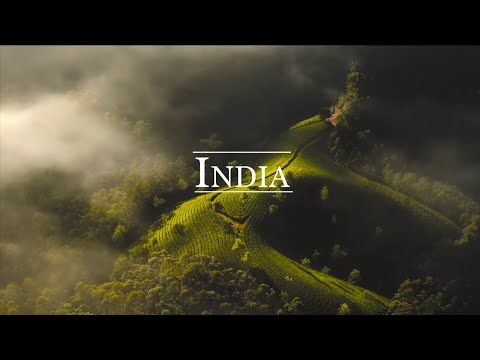
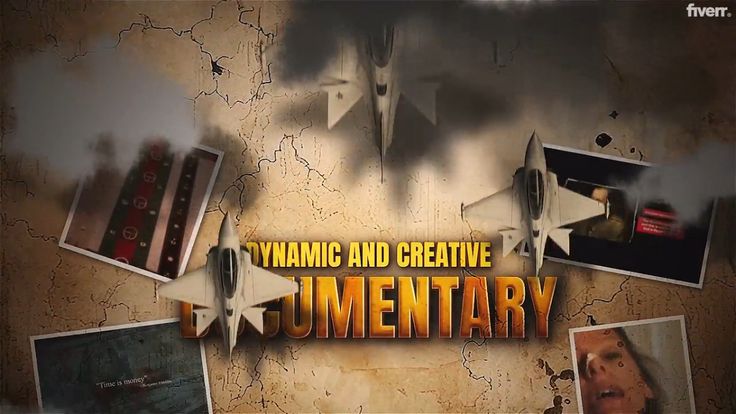
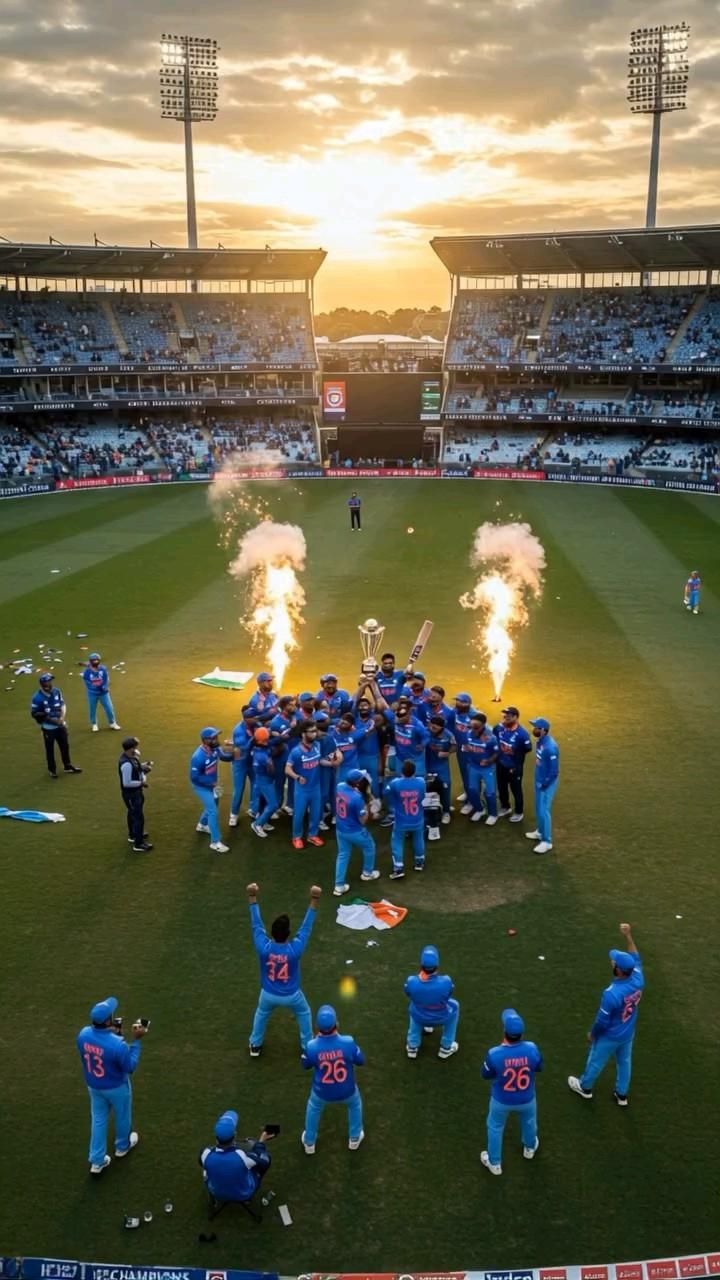

— LEARN EDITING
Beginner to Advanced — step-by-step. Start from scratch & become confident.
Timeline, cuts, basic transitions, export settings.
Start HereBeat sync, captions, speed ramps, trend edits.
Level UpMotion graphics, cinematic look, storytelling techniques.
Pro Level— BLOG
Extra content page long banata hai + value bhi milti hai ✅
Cutting, music, transitions, colors — small mistakes video ko weak kar deti hain.
Read More →Wrong bitrate ya fps se quality destroy ho sakti hai. Best settings yaha.
Read More →Hook editing + pacing + sound effects — watch time boost karne ka secret.
Read More →— Grow Professionally with Me on LinkedIn
On LinkedIn, you’ll find:
If you want to build a strong professional presence and learn how editing works in real projects, this is the place for you.
Connect on LinkedIn— LET’S CONNECT
Editing service chahiye ya editing seekhni hai? Message karo — fast reply milega ⚡
Email: codebytushu@gmail.com
Phone: +91-7055072196
Location: Noida, India
Can I edit on mobile?
Yes — CapCut & VN work great 👍
Which software is best?
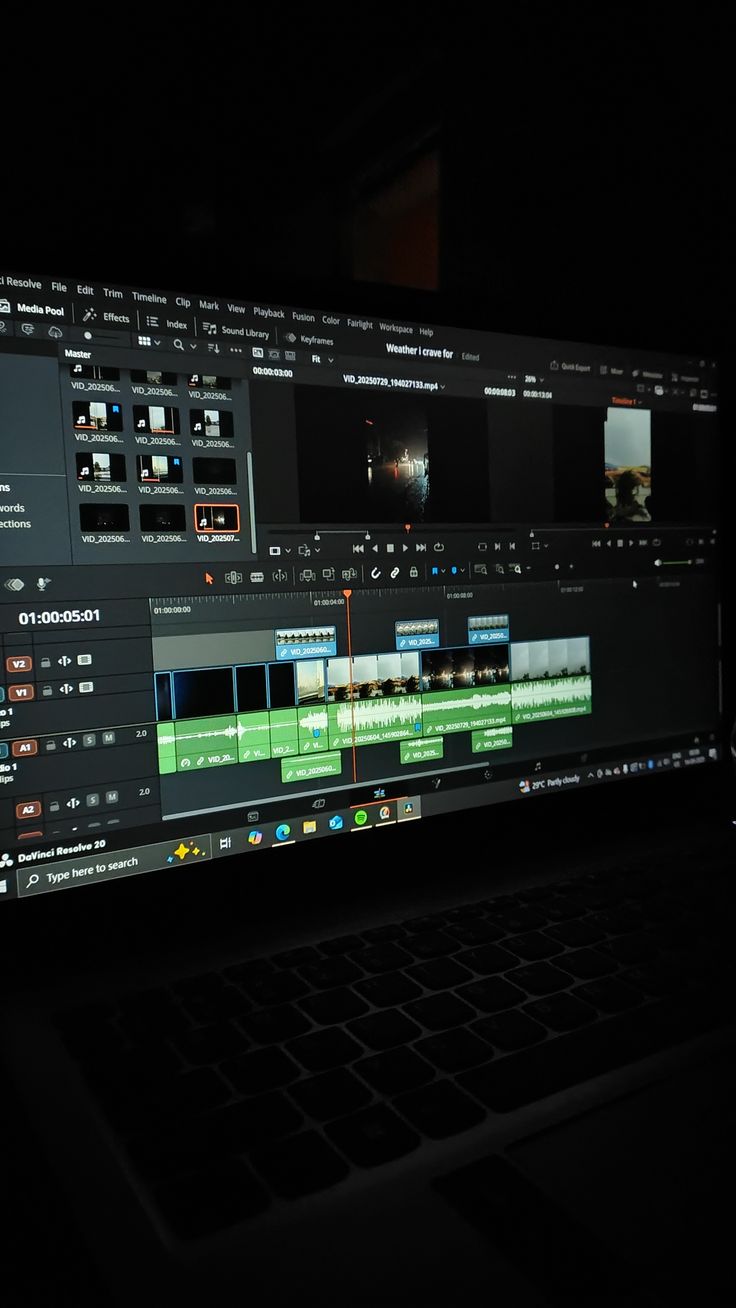
Premiere Pro / DaVinci Resolve 🎬
How long does editing take?
Depends on style & footage ⏱️